- The purpose of writing and optimizing service pages for SEO is to make them as easy as possible for Google to find and understand. Your goal should always be to make sure they are
- Use the below checklist and look at the examples included to understand Venta’s standard for service pages.
Our Goal
- To create technically sound pages with enough relevant content that matches the intent of the searcher to rank for target keywords.
1. Keyword and Location-Focused SEO Title
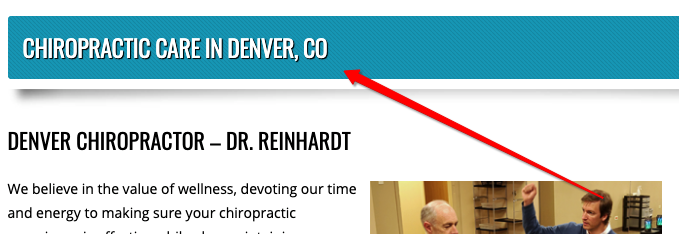
Whenever possible, the SEO title you choose should include the keyword or keyword phrase as well as the location of the business. The following page title was written for the service page "Chiropractic Care" and is targeting the keyword "chiropractor denver."
2. Keyword and CTA-Focused Meta Description
If you're writing a meta description or title tag, include the keyword and a CTA. This meta description was written for the target keyword "home stages portland."

3. Keyword-Focused H1 (Similar to Page Title)
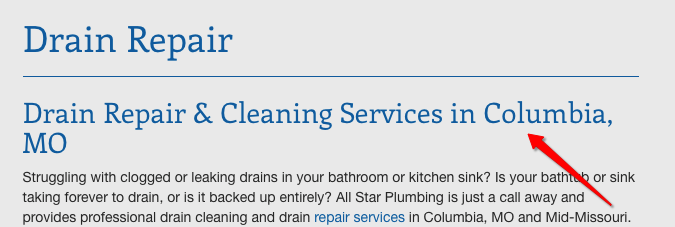
The page title (seen here as "Drain Repair") should show you how to structure your H1 (the heading that comes below it). The H1 should include the keyword and a location callout, if possible.
NOTE: Many WordPress and other CMS themes populate the page title as an H1. You do not want multiple H1s on a page so be sure to check for this possibility.
4. Keyword-Focused H2s
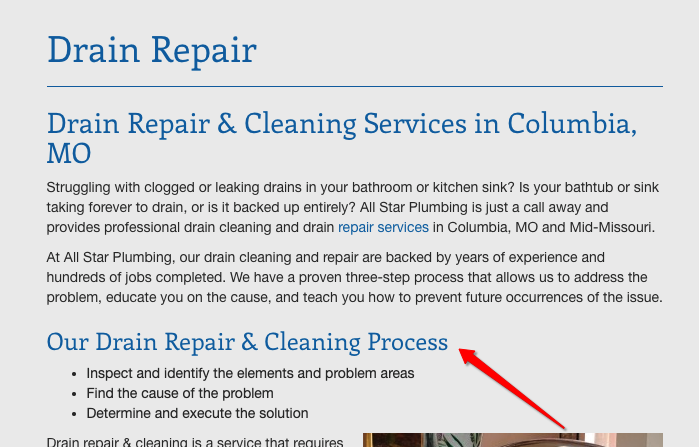
H2s are the next size of heading below the H1. You can vary your H2s to be relevant to the article, but keep in mind the keyword while writing.
Look to SERPs for examples of other H2s that are ranking for the service and keyword you are targeting. The keywords for this page are "drain repair columbia mo" and "drain cleaning columbia mo."
5. Multimedia and Alt-Descriptions
Your service pages should include images and other multimedia (such as custom graphics and screenshots) whenever applicable to make the page stand out.
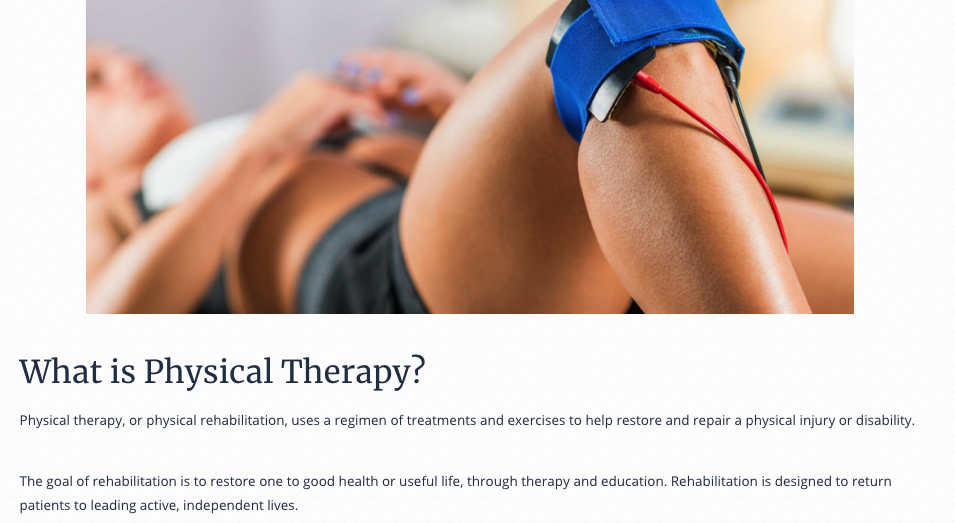
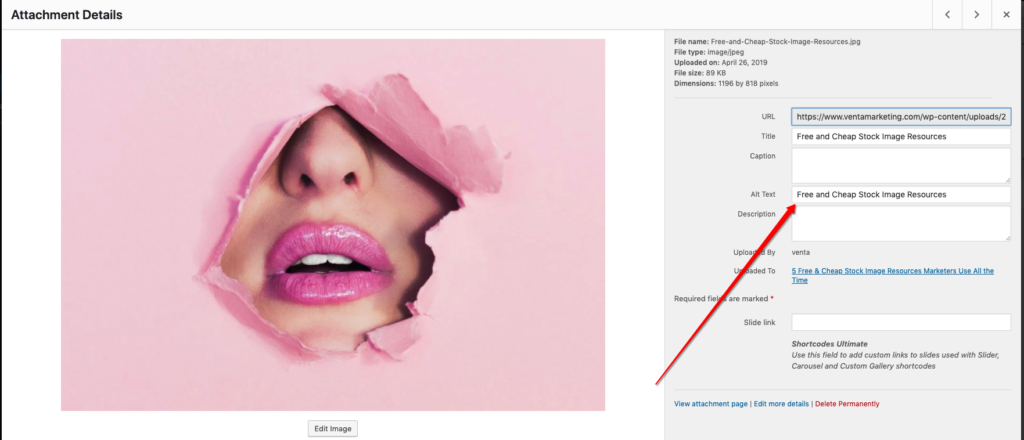
When adding an image to a service page on WordPress, include alt text so that Google can locate it on the page and help it rank for your keyword. The alt text should include the keyword.
When drafting the content on Google Docs, do not worry about adding alt-descriptions but DO still add images.
6. Internal Linking to Relevant Pages
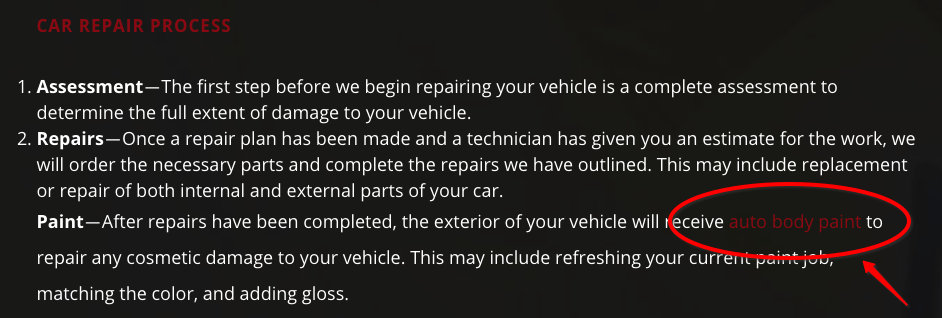
Internal links help navigate users from page to page on the website, and they also pass "juice" from page to page on the site, helping with the site's overall ranking authority. As a general rule, include an internal link every 200-250 words.
You can use your discretion to add them in a natural way. Link to other service pages, blogs, or wherever relevant information is found on the site.
This internal link navigates to a page about exterior auto body painting.
7. In-Text location Mentions
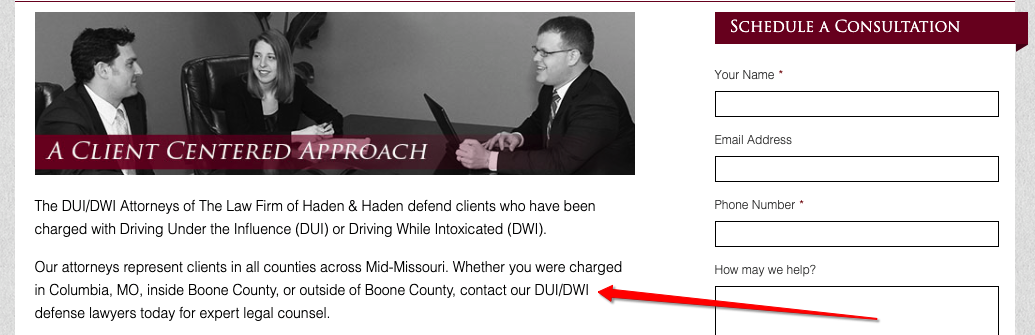
Mention the location of the business in a natural way throughout the text a handful of times. Do not make it feel forced or awkward.

8. Above-The-Fold CTA
Add a CTA above the fold (before the reader has to start scrolling on the page). Make it natural and direct. Include an internal link to a contact page if there is no contact form on the page.
9. Bottom-of-Page CTA
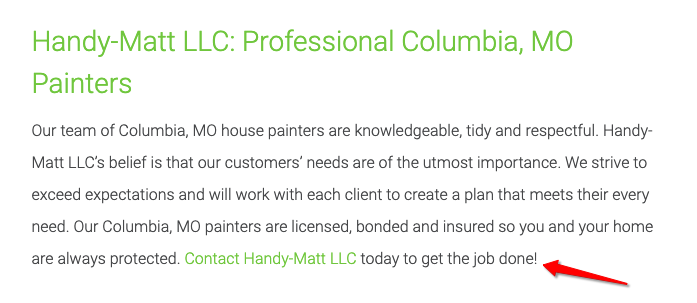
Service pages should end with a clear, concise CTA of what to do next to obtain the service. Include an H2 to draw attention to the CTA, and include an internal link if there is no contact form on the page.
10. At Least 500-1000 Words of Content
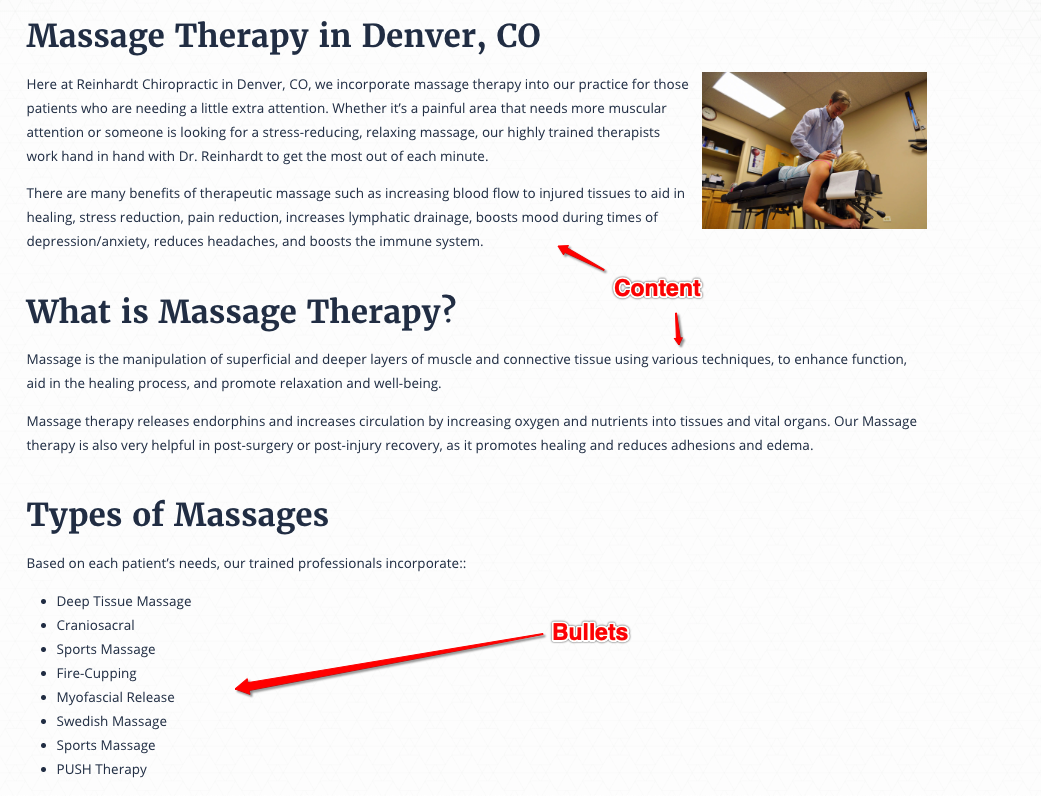
Service pages should include up to 1000 words of content, with at least 500 words per page. Content should be readable and organized into different paragraphs with H2s, bullet points and bolding for readability. Make sure the content is not unnecessarily fluffy and is relevant to the searcher.
If you need help deciding what content to include and how to structure H2s, get ideas from the keyword SERPs. Below is a good example of a page designed for readability and SEO.
More Examples of Service Pages
More Examples of Service Pages
https://www.modworks.com/spaces/dedicated-desk
https://drgoodbinder.com/conditions/weight/
https://www.hadenlaw.com/practice-areas/estate-planning/elder-law/