What You Will Need
- WordPress admin access
- Unbounce access
- What the landing page subpage is
How To Set Up
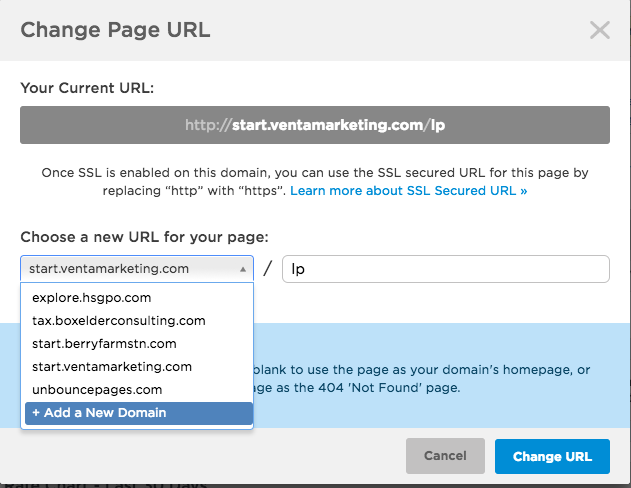
- Log into Unbounce and click Change URL

- On the drop down box click +add a New Domain
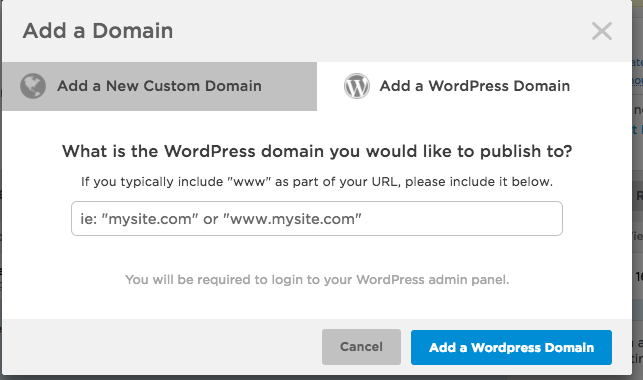
- Click Add a WordPress Domain
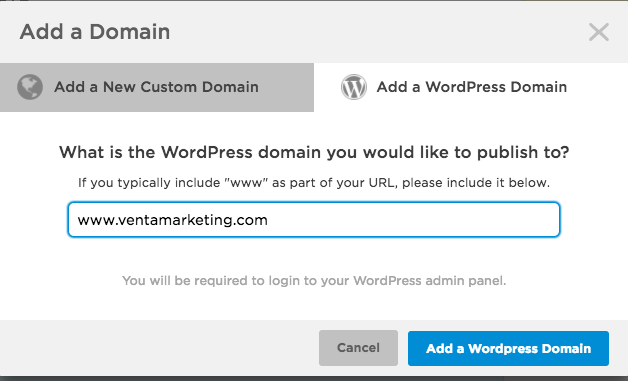
- Type in the URL of the subpage and click Add a WordPress Domain
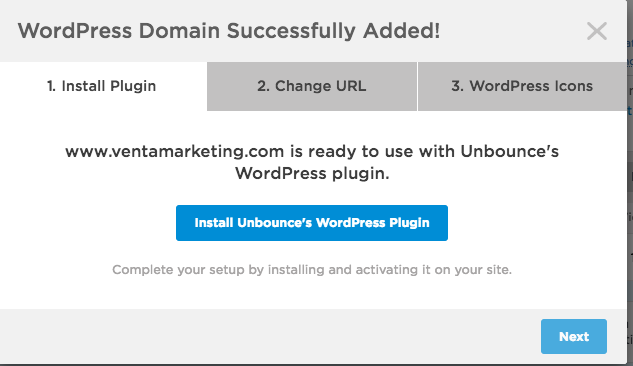
- Click on Install Unbounce’s WordPress Plugin (It will open a new tab and take you to WordPress)
- Log into WordPress
- Click on plugins on the strip on the far left side of the page.
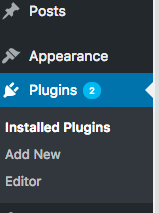
- Click Add New
- Search for Unbounce Landing Pages Plugin
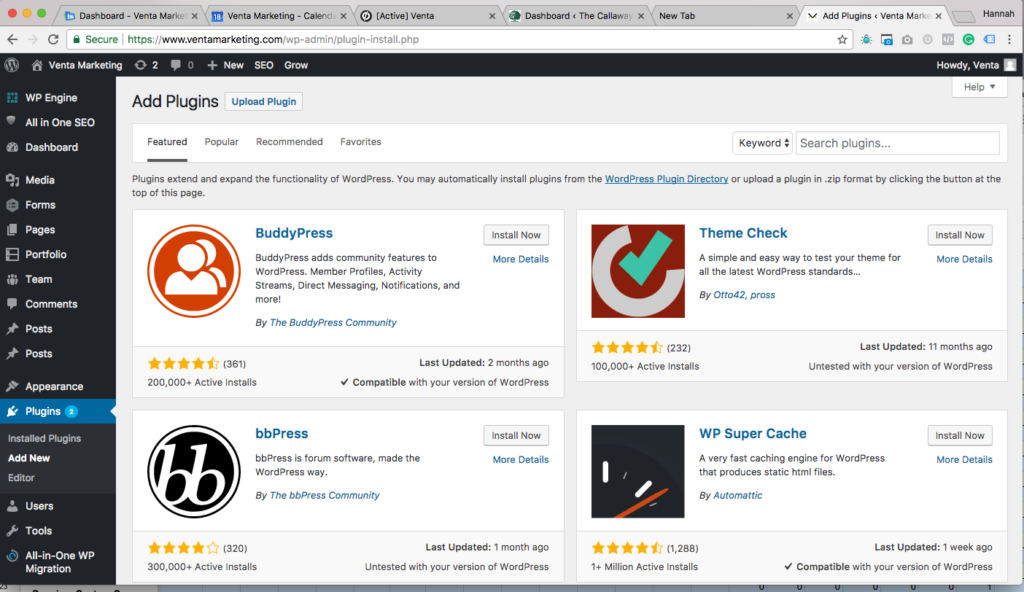
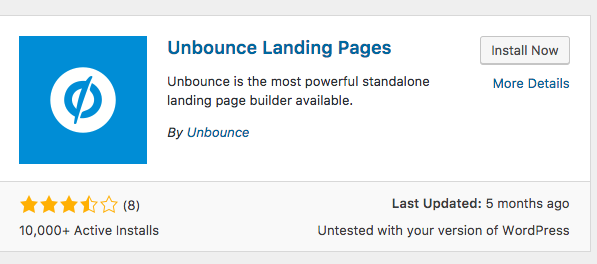
- Click Install Now on plugin
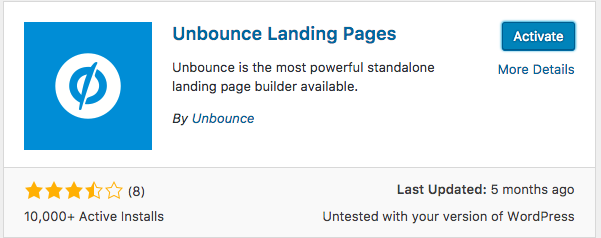
- Click Activate on plugin
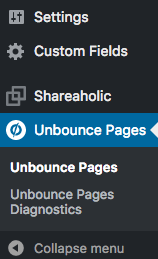
- Click Unbounce Pages on the strip on the far left side of the page
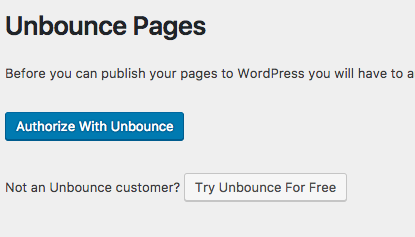
- Click Authorize with Unbounce
- Go back to Unbounce click change URL and choose the URL of your subpage from the drop-down menu
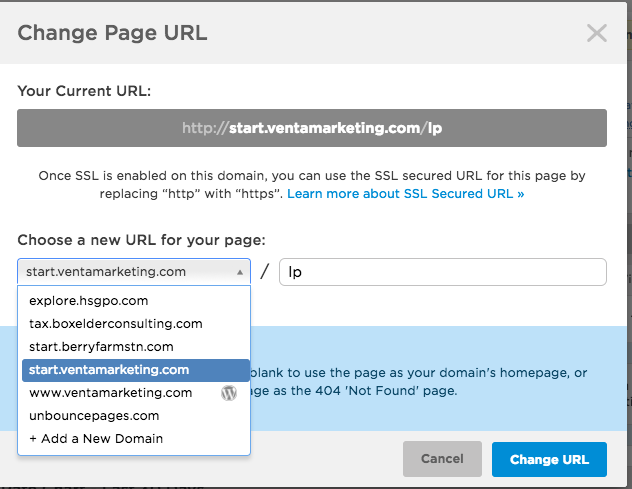
- and lp after the / and click change URL