Instructions For Setup
- Click create a new account
- Fill out the setup information
- [email protected] for the email
- Company name for username
- Generate a password within teampassword
- Input this information into team password
- Confirm the account from the email sent to [email protected]
- Fill out Company information
- Click on the drop-down box on the top righthand select Account
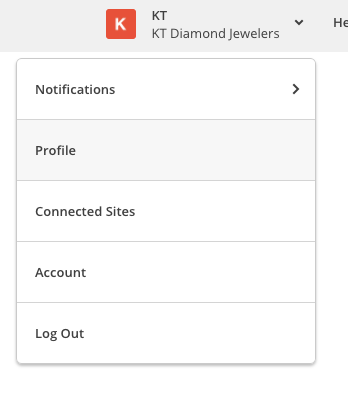
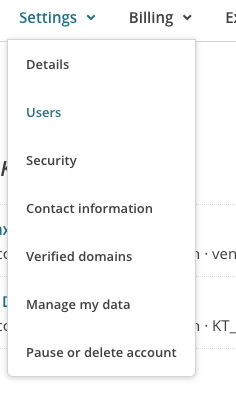
- Select Settings

- Then choose users
- Click invite a user
- Fill in email address for [email protected] and select admin
- Log into [email protected] email to confirm
- Choose to login with existing account
- use the login information in team password for ventacontent
- Log out and log back in as client
- Choose profile in the drop-down on the top right
- Change email to match client email