Usage Guidelines
- These are the proper instructions to receive SquareSpace access from clients
- We need this from any clients using SquareSpace as their CMS and running a digital marketing campaign
Instructions for Access
- Client needs to login to their SquareSpace account
- From their dashboard, click the website they want to provide us access to
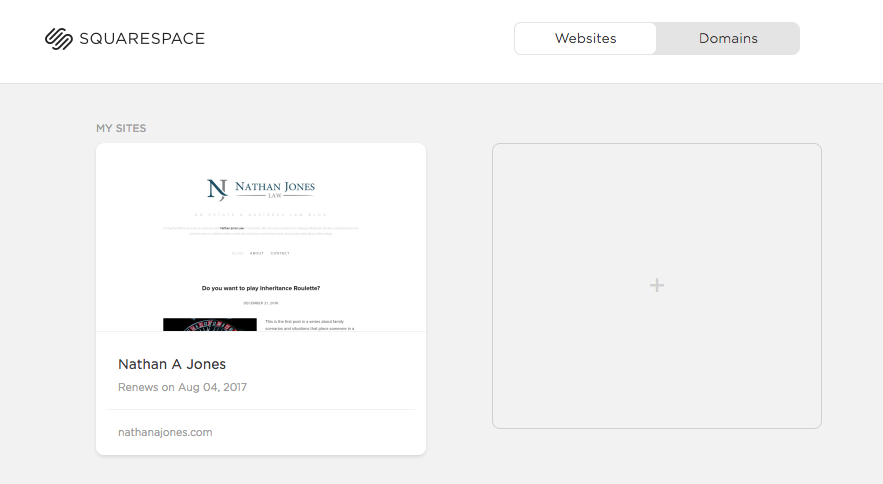
- Click “Settings” on the left sidebar
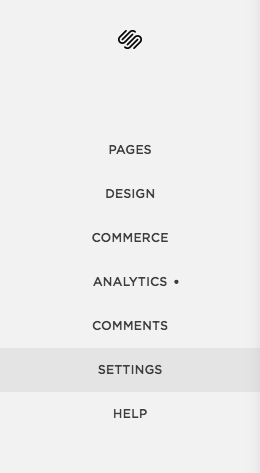
- Click “Permissions”
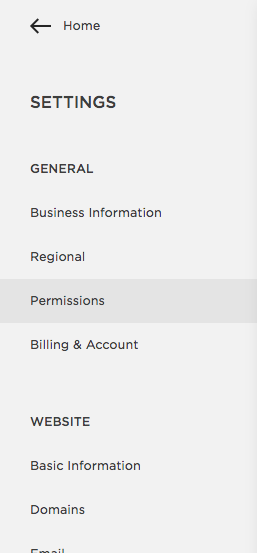
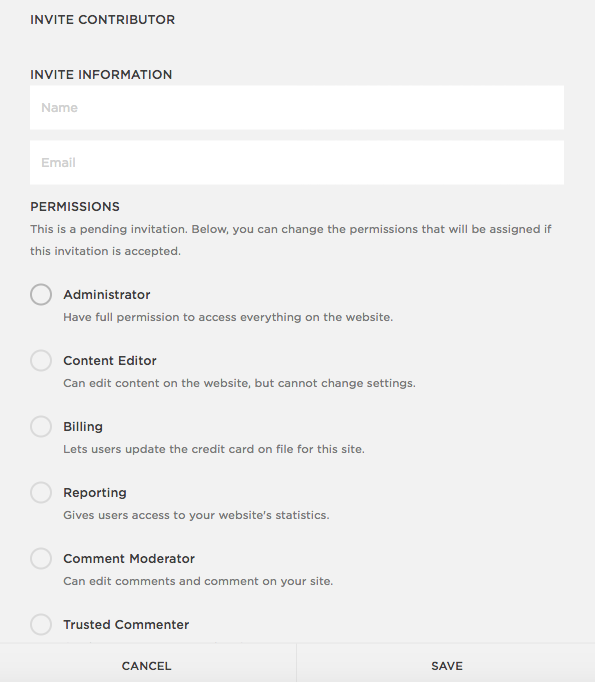
- Click “Invite Contributor”
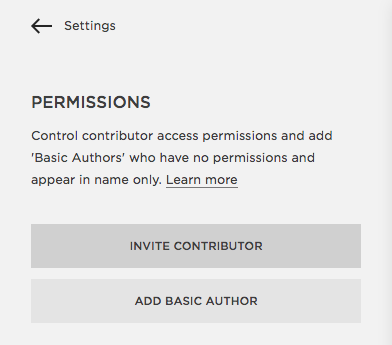
- Add us as the contributor
- Ideal permission level is “Administrator” so we do not have to send clients more requests moving forward and we have full-width to make the necessary changes, upon clients approval
- Send client an approval that set up was done properly
- Then we should be good to go!
Instructions to Email Client
Below are the instructions to provide us with access to SquareSpace
- Login to your SquareSpace account
- Click on the website you would like to provide us with access to
- Click “Settings” on the left hand sidebar
- Click “Permissions” under the General tab on the left hand sidebar
- Click “Invite Contributor”
- Put the name as [Venta Marketing or V2 Local] and the email as [[email protected] or [email protected]]
- The ideal permissions granted is “Administrator” so that we can perform the full-width of necessary tasks, upon your approval. No edits regarding billing, expenses, or other important info will be touched without instruction from you.
- Click Invite and then we will confirm with you that it worked properly!